No articles matched your search. Try different words, or clear the search.
Getting Started
Everything you need to run your first lead search and understand the basics.
What is The Leads Finder?
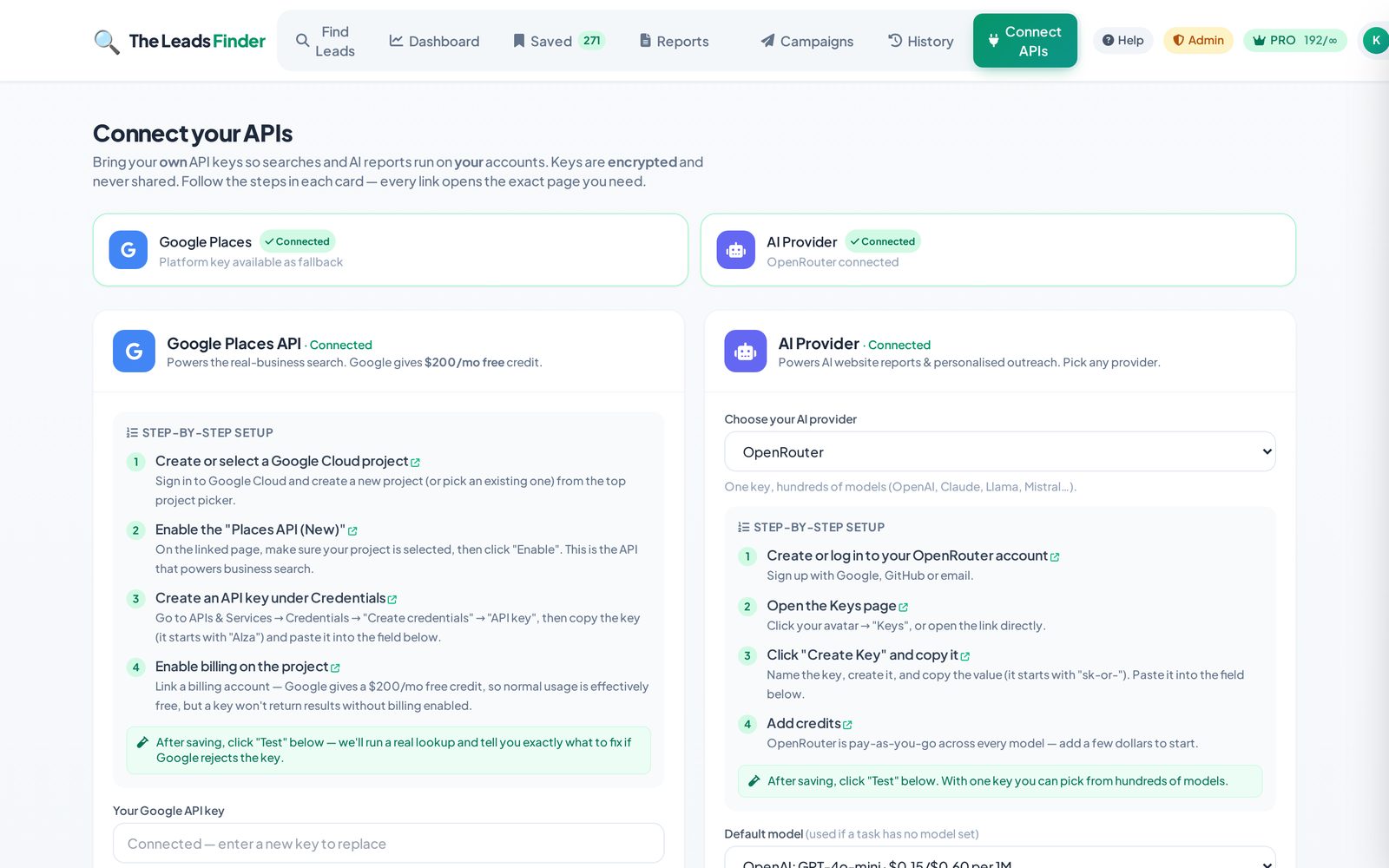
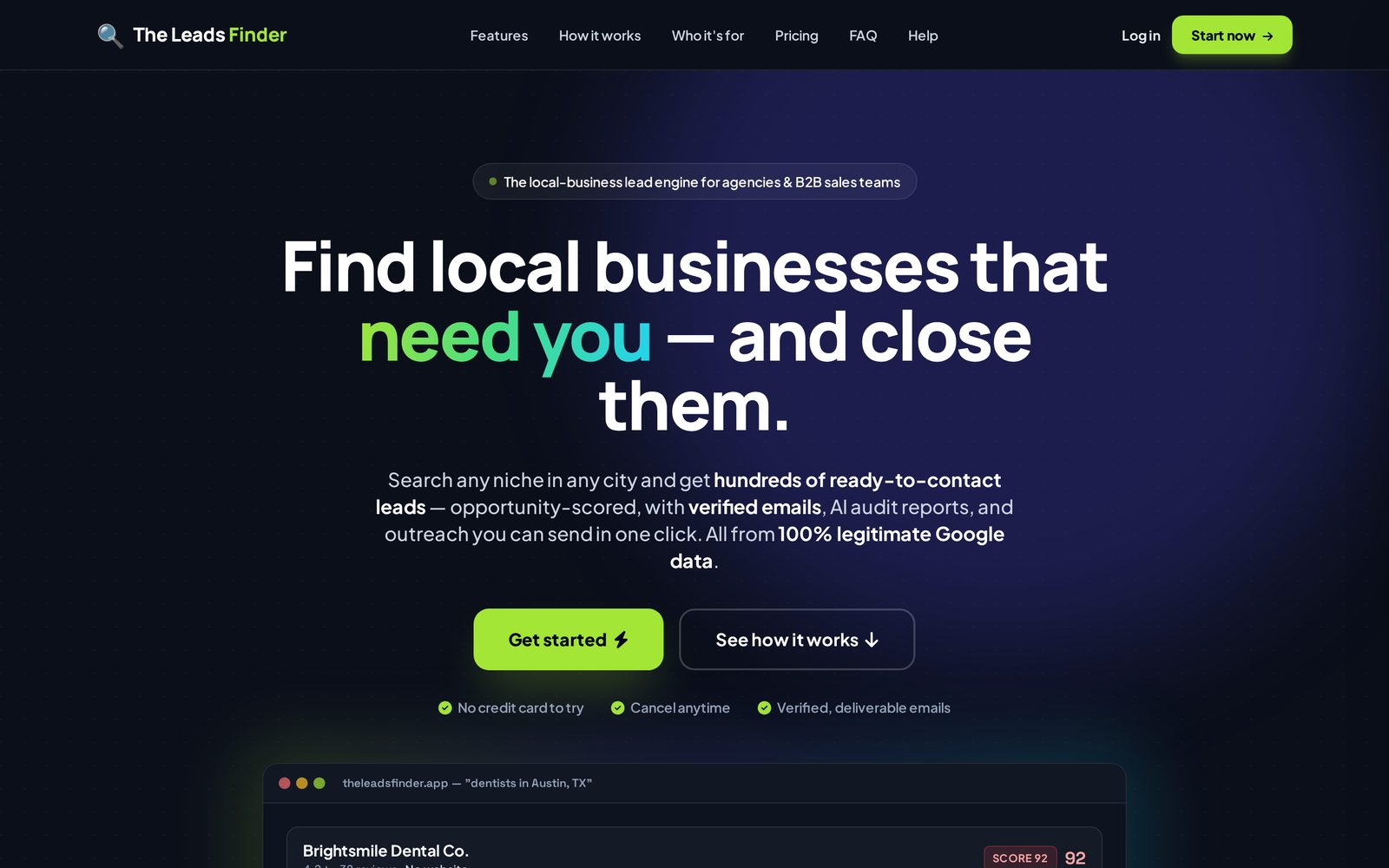
The Leads Finder is a tool for agencies, freelancers and marketers to find local business clients. You search a business type and a city, and we return scored, contact-ready leads pulled from live public business listings (Google Places). For each lead you can find a verified email, generate an AI website audit/report, and write personalised outreach — all in one place.
How do I run my first search?
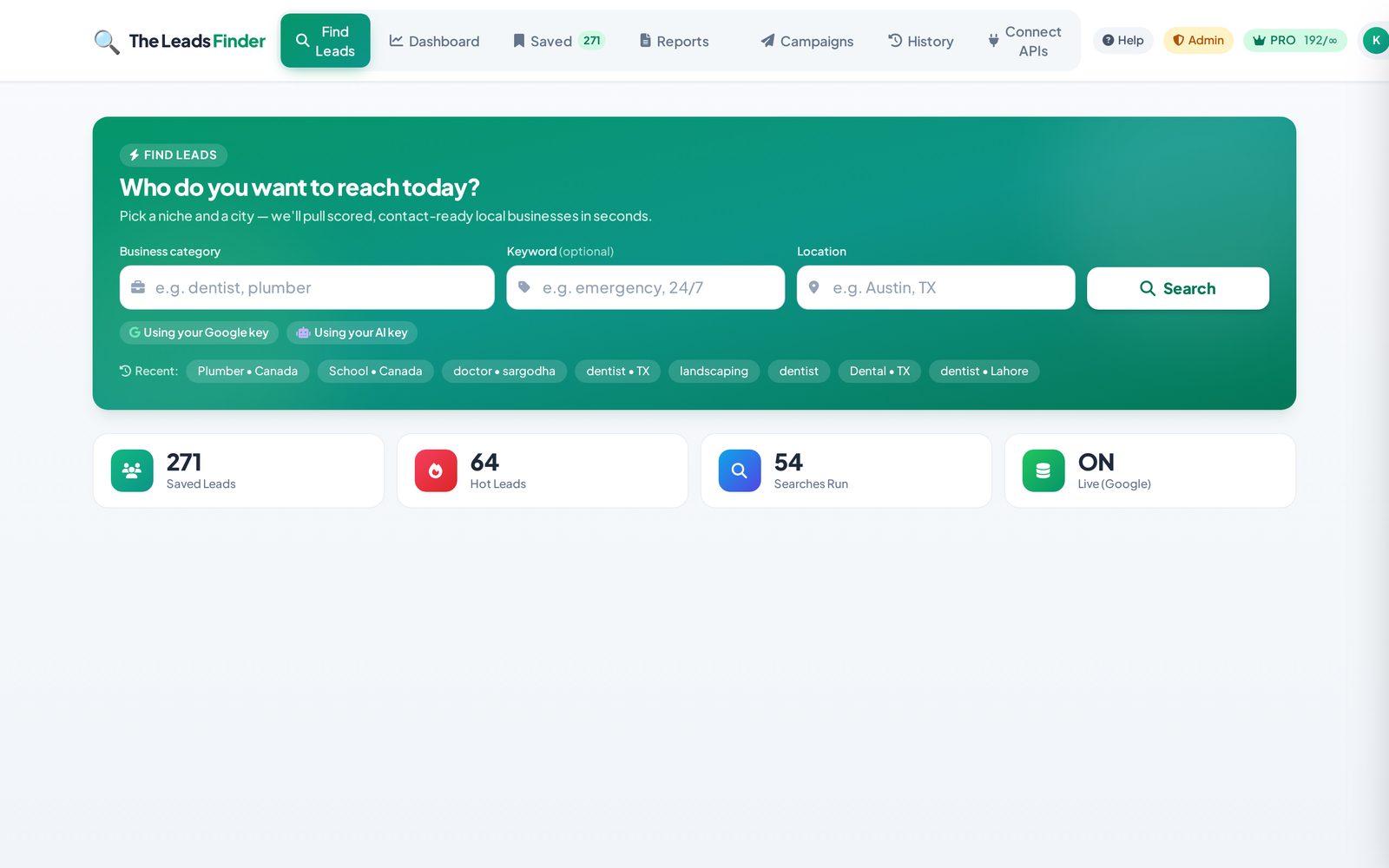
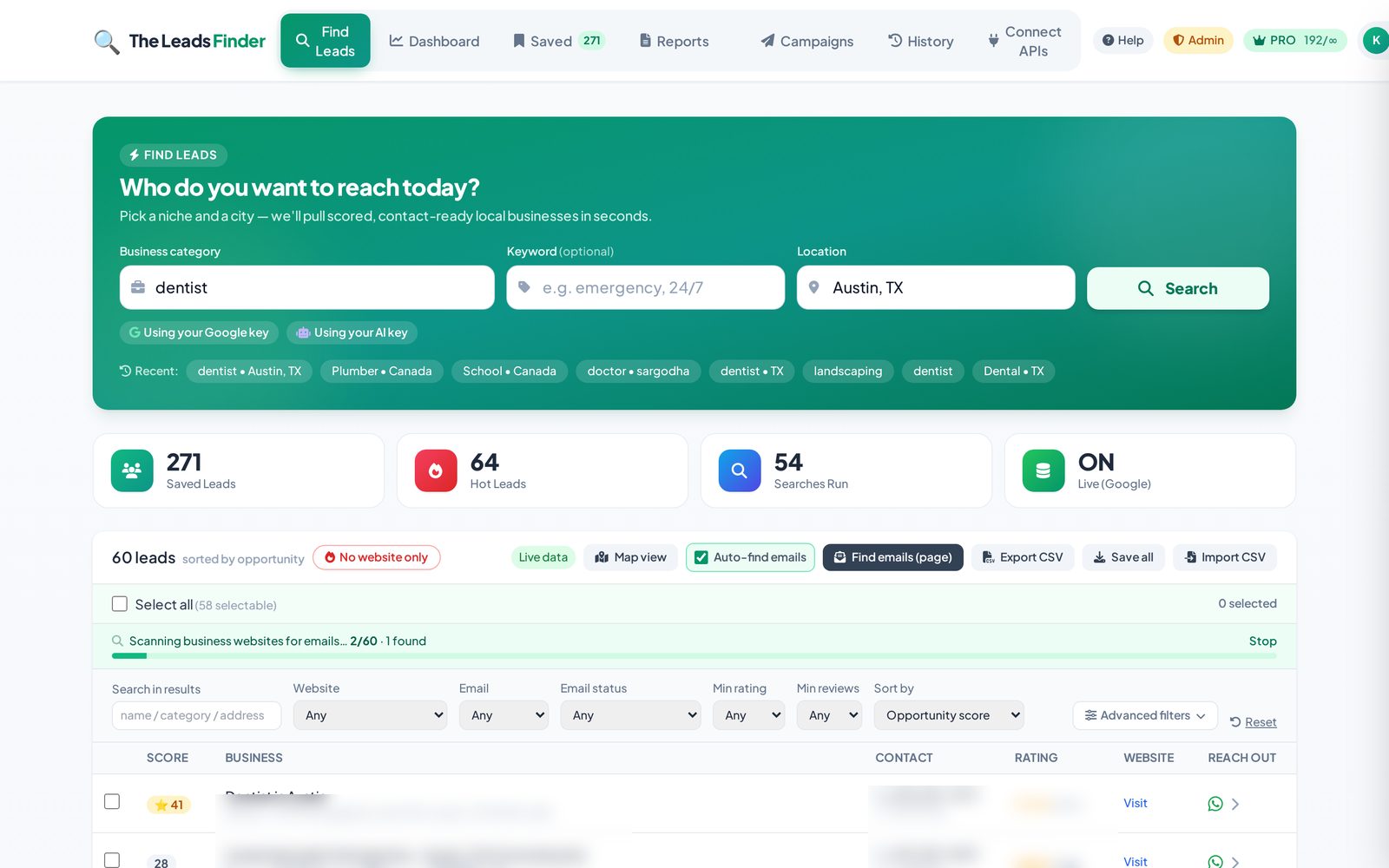
Open the Find Leads tab, type a business category (e.g. "dentist", "plumber"), optionally a keyword, and a location (e.g. "Austin, TX"), then click Search. Within seconds you'll get a list of businesses, each with an opportunity score. Click any lead to see full details, find an email, generate a report, or draft an outreach message.
What does the lead "score" mean?
The score (0–100) estimates how good a sales opportunity a business is. A higher score usually means the business has clear gaps you can help with — for example no website, a low rating, few reviews, or an outdated web presence. 🔥 60+ = hot, ⭐ 35–59 = warm, and below 35 = lower priority. Use it to prioritise who to contact first.
How do I save leads?
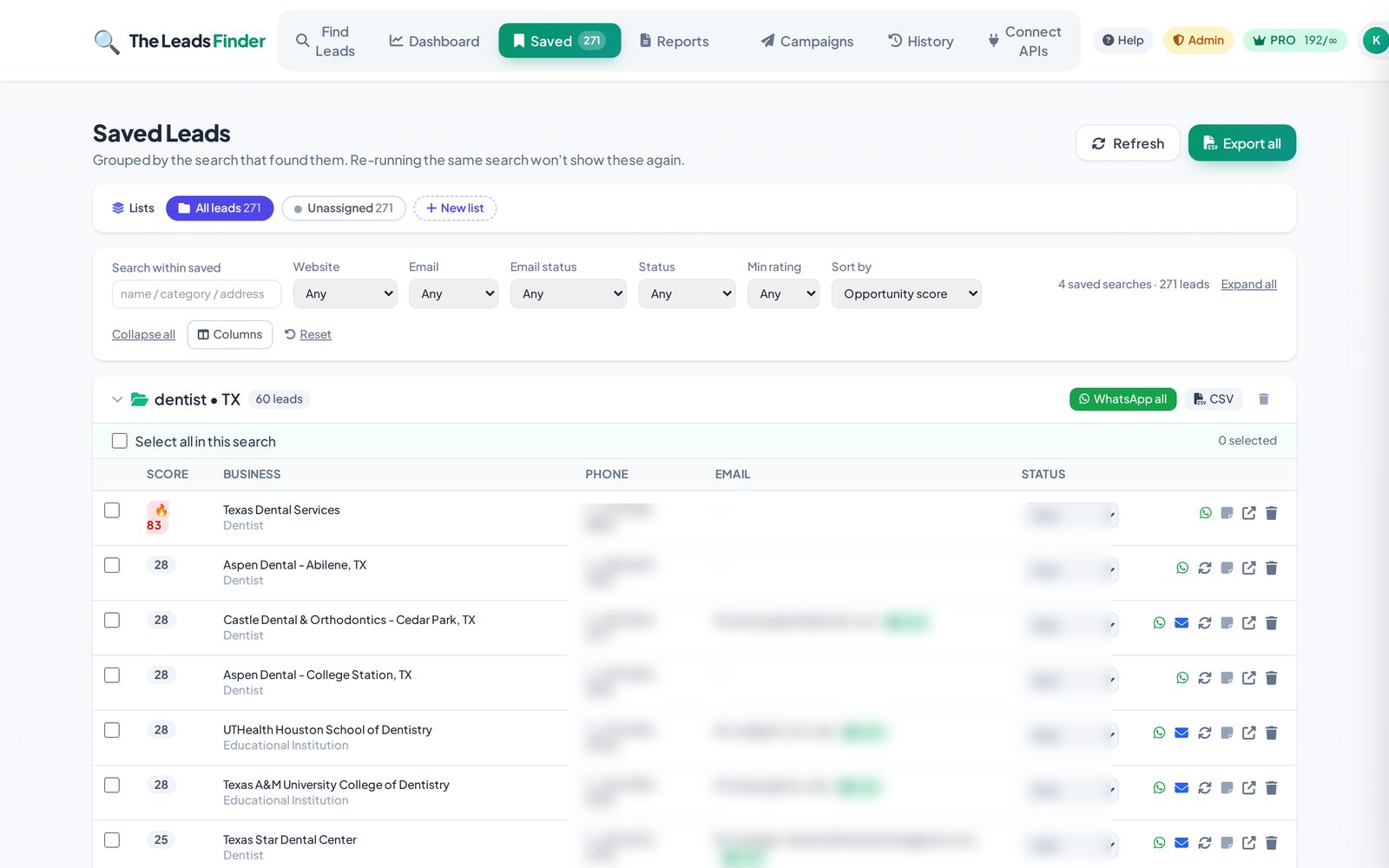
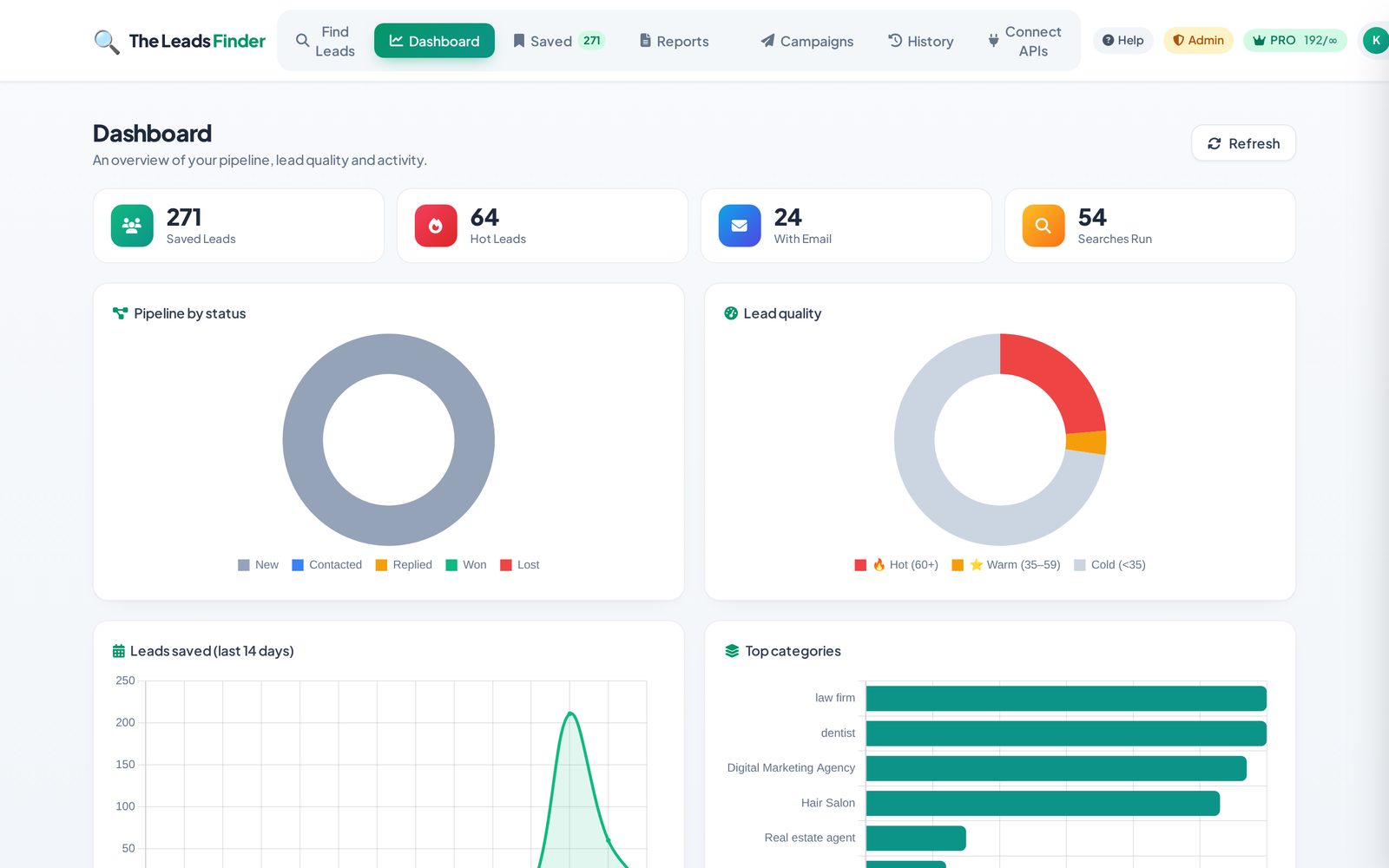
On any search result, click the bookmark/save icon on a lead, or use Save all to store the whole search. Saved leads live in the Saved tab where you can revisit, export, or run outreach on them later.
Can I export my leads to CSV?
Yes. In the Saved tab, use the export button to download a CSV of your leads — ready to import into your CRM or cold-email tool.
Trial, Plans & Billing
How the free trial works, what each plan includes, and how to manage your subscription.
How does the free trial work?
When a trial is available, you can sign up and explore the product with a limited number of searches, reports and outreach messages for a set number of days. You don't need to pay to start. When the trial ends (or you hit a limit), you'll be prompted to choose a plan to keep going. Your saved leads are never deleted.
What are the trial limits?
The trial gives you a capped number of searches, AI reports and outreach generations so you can fully evaluate the product. You can see how much you've used in your usage bar at the top of the app. Once you upgrade, those caps are lifted according to your plan.
How do I upgrade to a paid plan?
Click your plan badge or the Activate subscription / Upgrade button, choose a plan, and complete checkout securely via Stripe. Access is unlocked immediately after payment — no waiting.
I have a coupon code — where do I enter it?
On the plan/checkout screen there is a coupon field. Enter your code to see the discounted price before you pay. Some coupons unlock access for free.
How do I update my card, view invoices, or cancel?
Open your Account menu and choose Manage billing. This opens the secure Stripe customer portal where you can change your payment method, download invoices, or cancel your subscription at any time.
What happens if I cancel?
You keep access until the end of your current billing period. After that your account moves to a locked/free state, but your saved leads and reports remain stored — re-subscribe anytime to pick up where you left off.
Reports, Emails & Campaigns
Turn raw leads into client-ready proposals, personalised emails, and automated sequences.
How do AI website reports work?
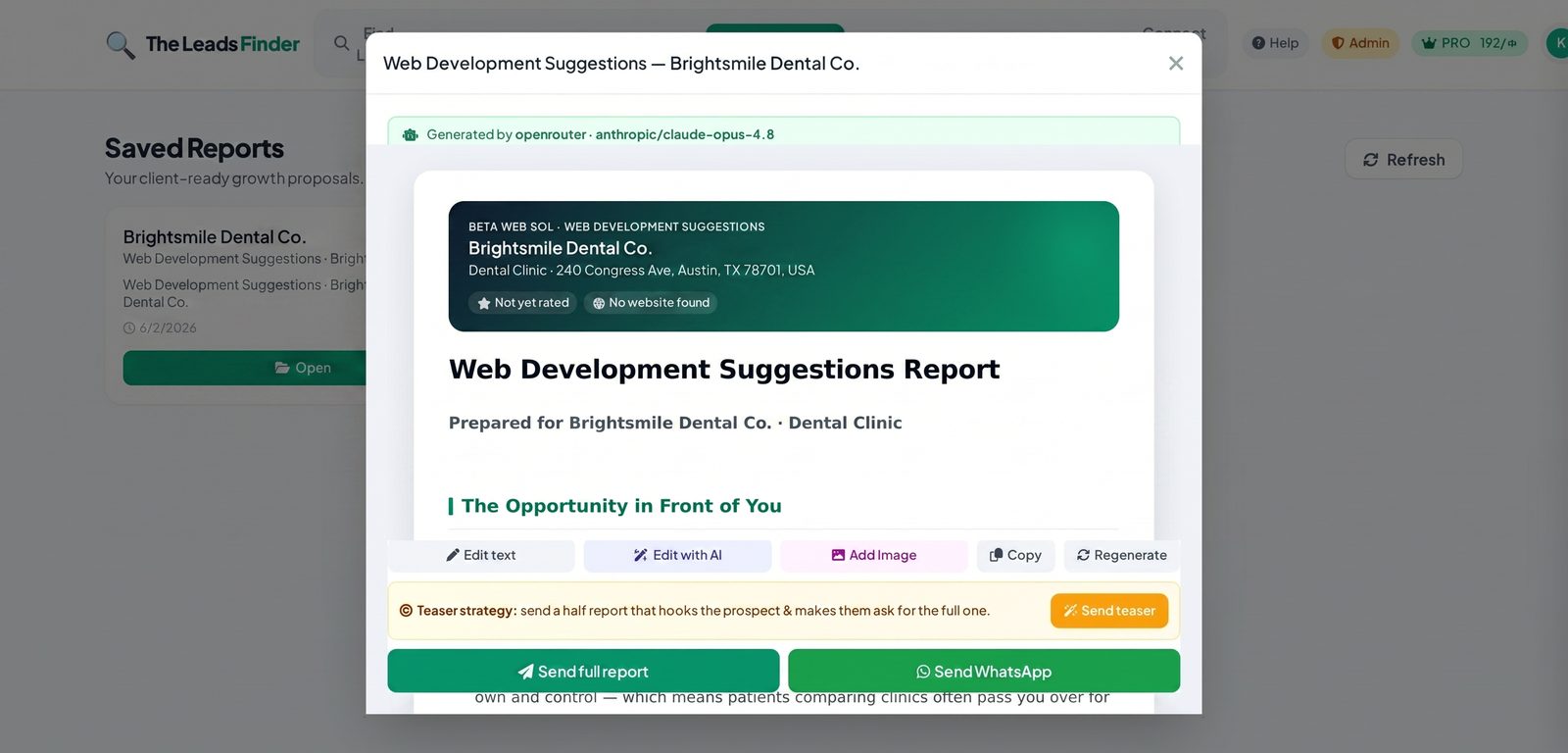
Open a lead and click Generate report. The AI reviews what it can about the business's online presence and produces a client-ready growth audit — strengths, gaps, and recommendations — that you can edit, add an image to, download as a PDF, or send. Great as a door-opener or a paid deliverable.
How do I find a business's email?
On a lead, click Find email. We scan the business's own public website (homepage, contact page, etc.) for a deliverable address and show a verification badge (valid / risky / invalid) so you know whether it's safe to send to.
How does AI outreach work?
From a lead, generate a personalised outreach message. It uses the lead's details plus your Business Info to write a relevant pitch. You can pick the channel (email, etc.), tweak the text, and copy or send it.
What are Campaigns?
Campaigns let you send automated multi-step follow-up email sequences from your own connected email account. You enroll saved leads, set up steps, and the system sends them — tracking opens, clicks and unsubscribes, and stopping when someone replies.
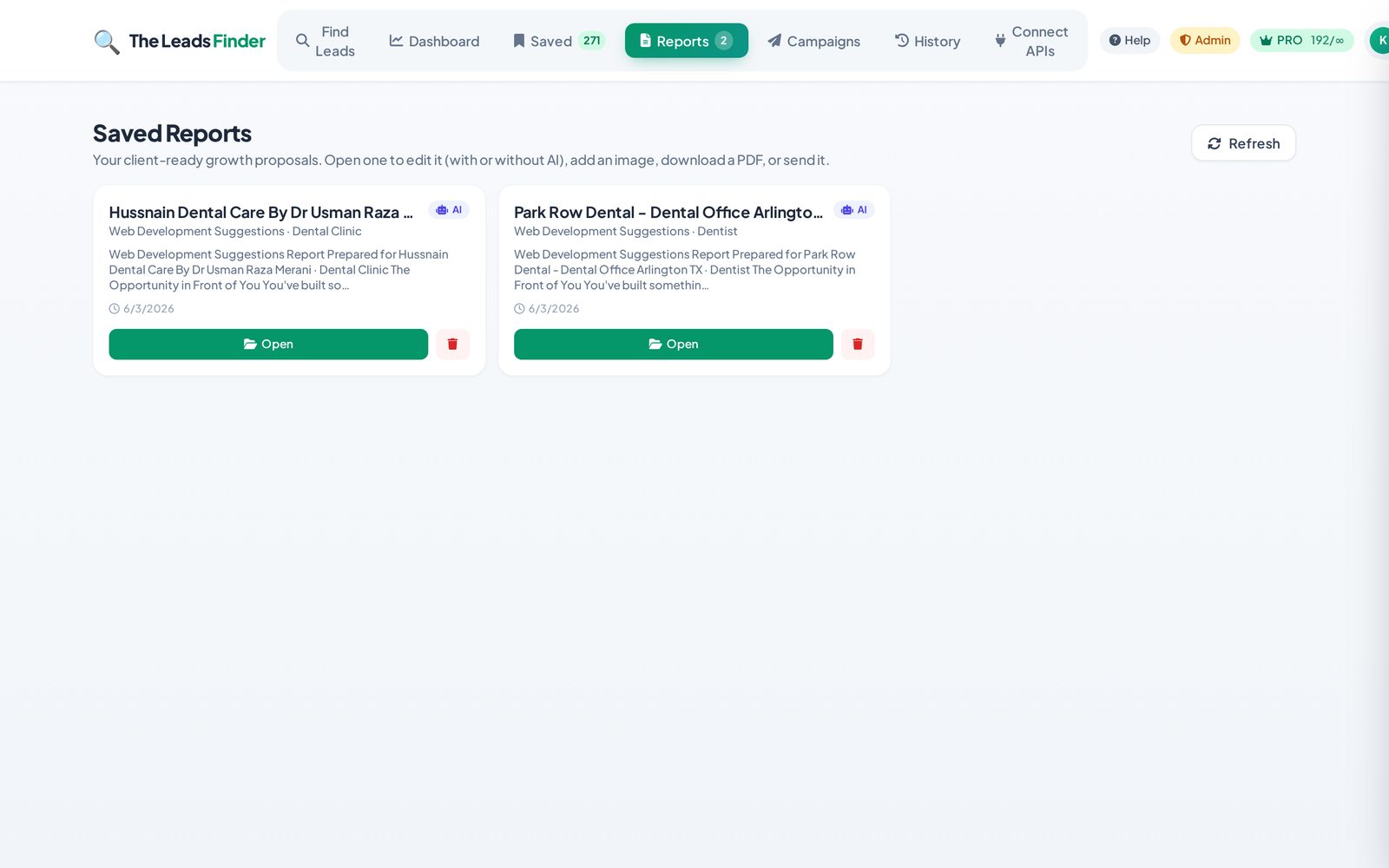
Where do my saved reports go?
Every report you save appears in the Reports tab, where you can re-open, edit, download a PDF, or send it to your prospect.
What is the Business Info section for?
In Settings you can add your company name, address, email and a short description of what you do. This information is used to personalise your AI outreach (so emails pitch your offer) and to fill signatures. Filling it in makes the AI dramatically more relevant.
Troubleshooting
Quick fixes for the most common issues.
My search returned no results
Try a broader category (e.g. "restaurant" instead of a very niche term), check the spelling of your location, or use a larger city. Some very small towns simply have few listed businesses — widen the area and try again.
I get an error when searching
Refresh the page and try the search again. If it keeps happening, note the category and location you used and email us at [email protected] so we can look into it for you.
AI reports or outreach aren't generating
Give it a moment and try again — generation can take a few seconds. Reports always work using high-quality smart templates as well. If the issue persists, reach out to [email protected].
No email was found for a lead
Not every business publishes an email on its website. Try the business's contact page manually, or use the lead's phone number. A "risky" badge means the address is a generic role inbox (info@, sales@) — still usable, just lower deliverability.
My account says it's locked
Your trial may have ended or your subscription lapsed. Choose a plan (or enter a coupon) to unlock access again. Your saved data is safe and will be there when you re-subscribe.
Still need help?
Can't find what you're looking for? We're happy to help you get set up and selling.
[email protected]